
IconCloak
A clean desktop in one click — for presenting, screen sharing, recording, or just some calm.
Coming soon · Mac App Store
A clean desktop in one click — for presenting, screen sharing, recording, or just some calm.
Coming soon · Mac App StoreCloak
Hide every icon on your desktop, and your widgets too, with one click. Your files never move or change. One more click and they're back. It uses the switch built into macOS, so it's instant and works with Stage Manager.
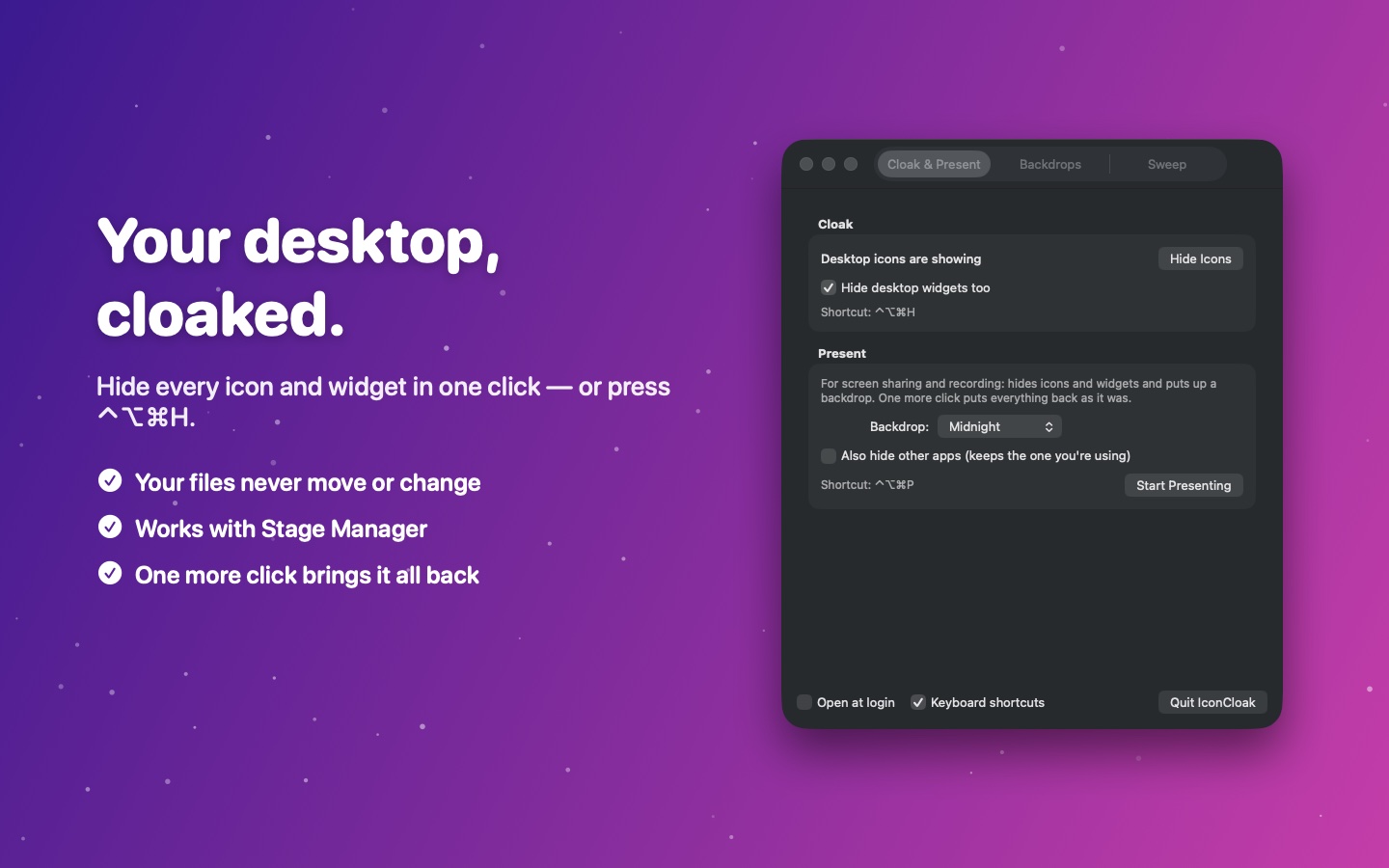
Present
One click hides your icons and widgets and puts up a plain colour, a green screen, or your own picture — a branded background for client calls, say. Hide your other apps too if you like. When you're done, everything goes back exactly as it was. Your real wallpaper is never touched.
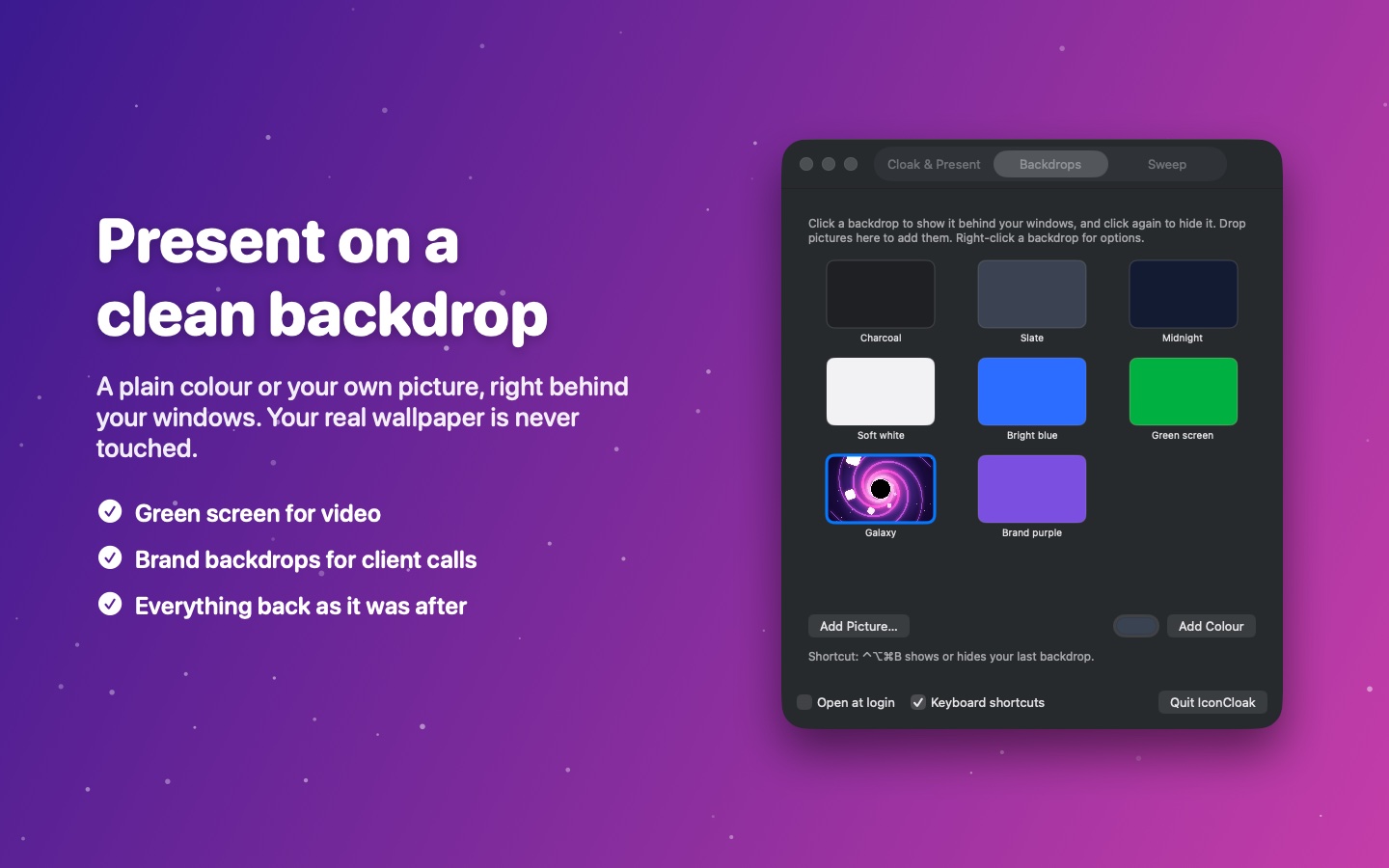
Sweep
One click moves everything on your desktop into a dated folder. Nothing is deleted, and Undo puts it all back. Turn on automatic filing and new screenshots sort themselves into monthly folders.
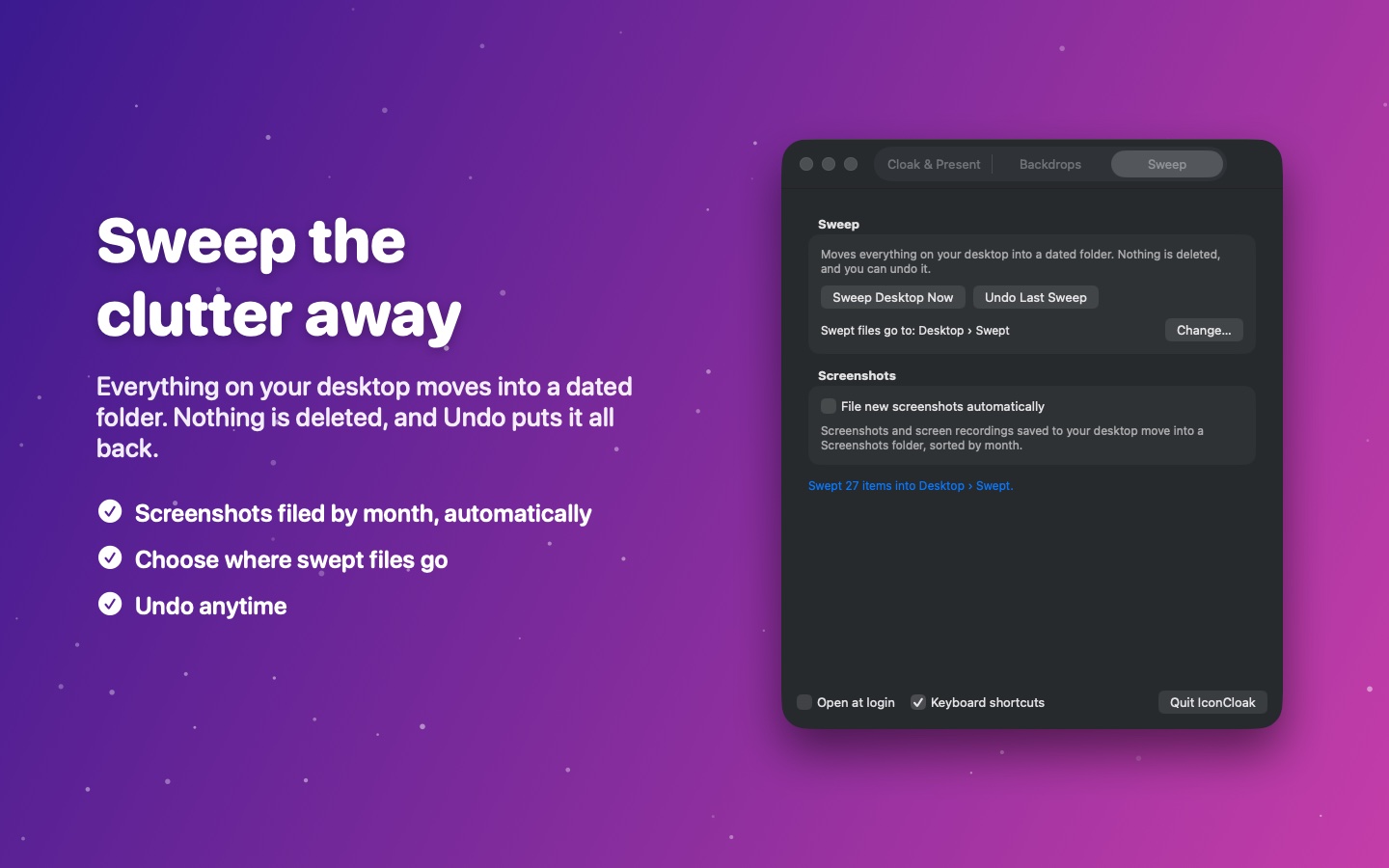
IconCloak lives in your menu bar, with a keyboard shortcut for everything.
Hide or show your desktop icons
Start or stop presenting
Show or hide your backdrop
 IconCloak Lite · Free
One window, one button: hide or show your desktop icons. Nothing else to learn.
 IconCloak · Pay once
Everything on this page: Cloak with widgets, Present with your own backdrops, Sweep, and menu bar shortcuts.
Requires macOS 12 or later. New to IconCloak? Read the user guide.